
JohnCallaghan.biz
JohnCallaghan.bizProjects

Windows Service
for
Visicon Inspection Systems
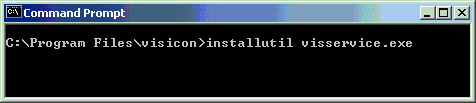
Before a service can be run, it needs to be added to the installed services on a machine. Once this is done it can be started and stopped using the Service Control Manager (SCM).
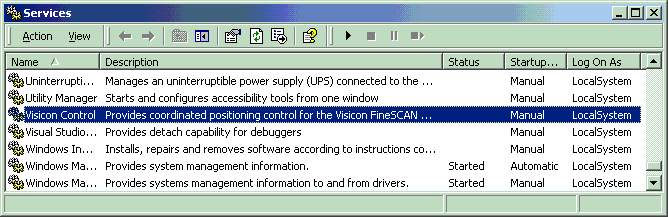
Initially, the service will be set to start manually using the SCM. The final version will be changed to install itself as an automatically started service. There may also need to be a small configuration application which will allow a user to start and stop the service without using the SCM. However, for the first few phases of the project, starting the service via the SCM is simple enough.
Phase 1:
Configuration:
Step 1:
Install service
Install service


Step 2:
Start service
Start service